 DeckBlast
Slides and speaker summaries for every meeting
DeckBlast captures meeting slides as a clean PDF — and with Pro, listens to the speaker, transcribes what they said, and adds AI-generated speaker summaries under each slide.
Download on the Mac App StoreWorks on every meeting app
DeckBlast captures slides directly from your screen. No plugins. No integrations. No bots joining your call.




How it works
-
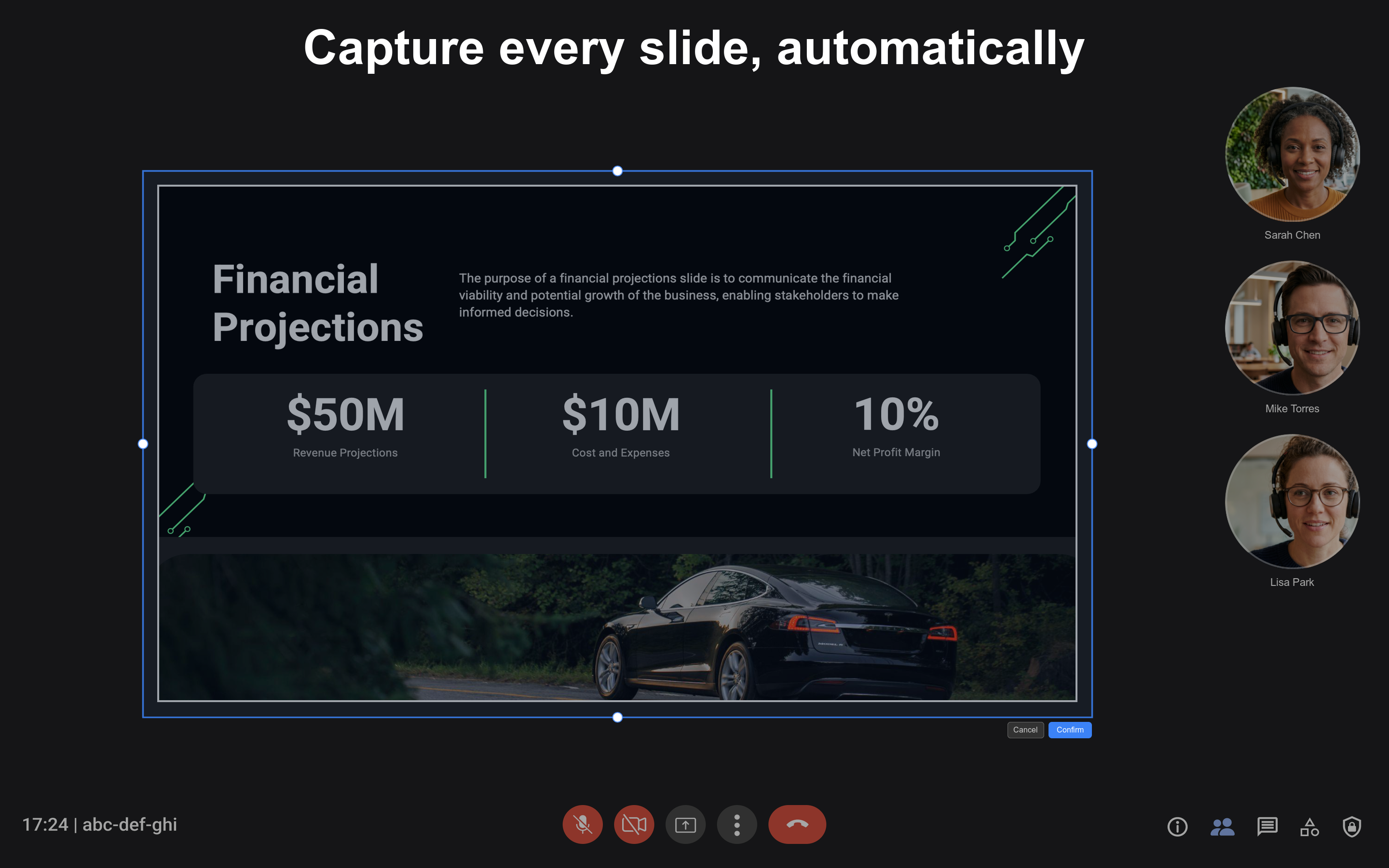
Pick the slide area
Click the DeckBlast menu bar icon, choose "Select Capture Area," and draw a rectangle around the slide region in your meeting app.
-
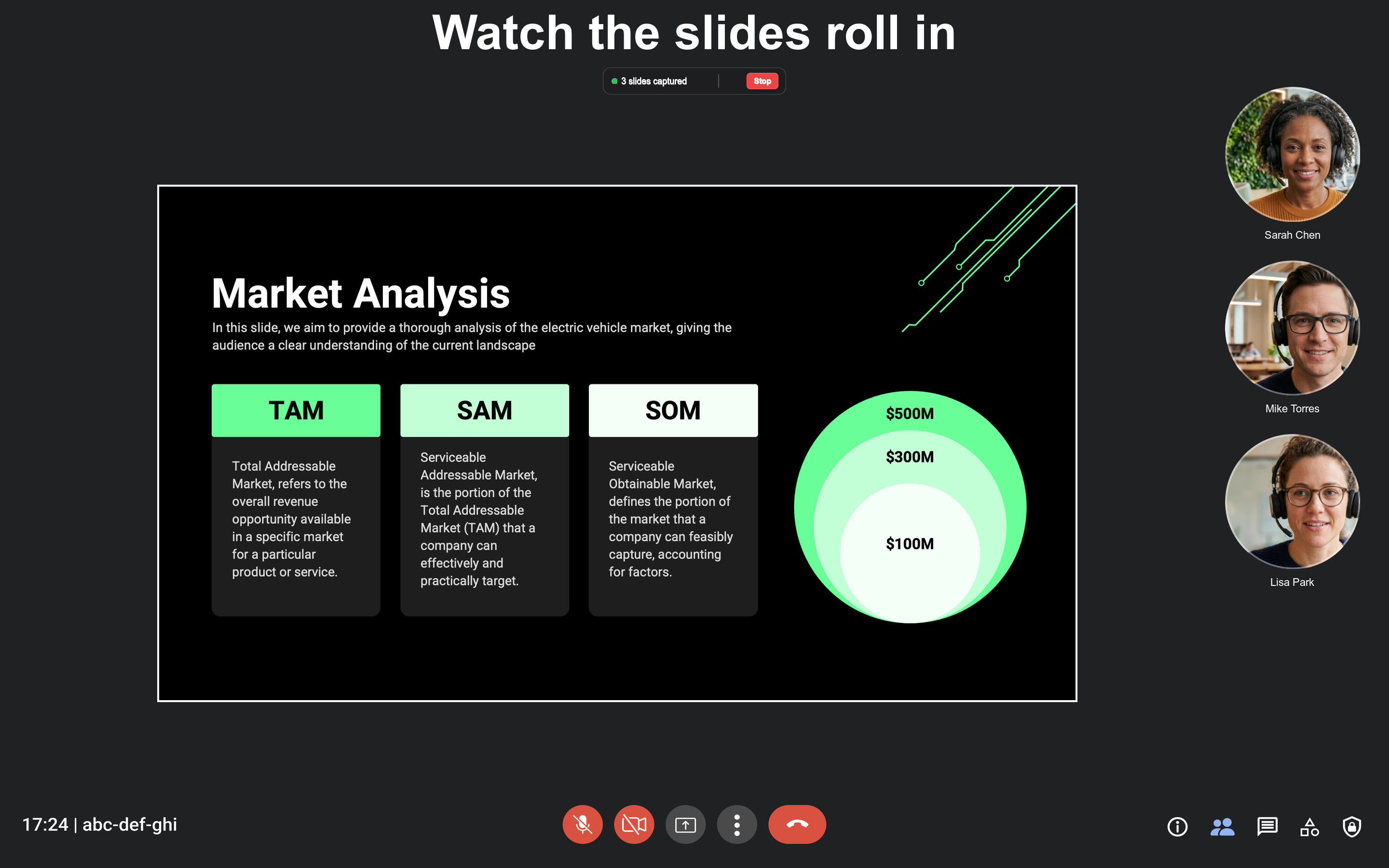
Slides save themselves
DeckBlast detects slide changes and captures each new slide exactly once. A floating panel shows your live capture count.
-
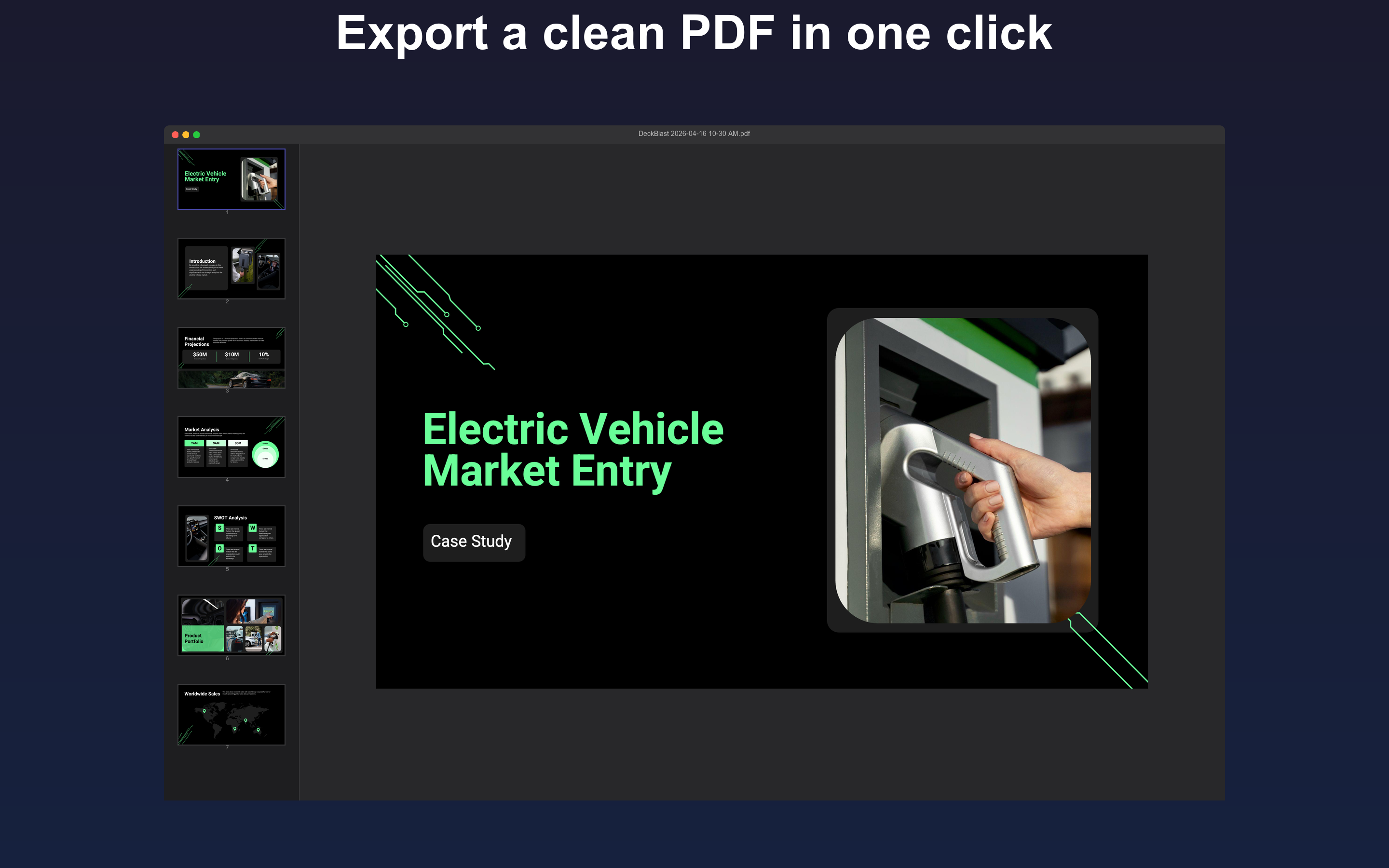
Get a clean PDF
Click Stop Capturing — a save dialog appears with the assembled PDF. With Pro, each slide also includes an AI-generated summary of what the speaker said.
DeckBlast Pro
Pro adds two things on top of the free capture flow. First, local audio transcription — DeckBlast records and transcribes the speaker's audio on your Mac using on-device speech recognition (raw audio never leaves your device). Second, AI speaker summaries — each slide in the exported PDF gets a concise summary of what the speaker said while that slide was on screen, like a personal note-taker for every meeting.
Pro plans start at $4.99/month or $49.99/year, with a 10-hour Pro Plus tier at $9.99/month or $99.99/year. Cancel anytime through your Apple ID's subscription settings.
Privacy
The free tier of DeckBlast runs entirely on your Mac. It makes no network calls, requires no account, and only asks for Screen Recording permission. The Pro tier additionally sends slide images and speaker transcripts to our servers to generate AI summaries; we do not retain that data, do not collect personal information, and do not require an account beyond Apple's standard subscription. See the privacy policy for the full data flow.